

InCell Note 20 Ultra LCD Screen Replacement (No Fingerprint/Smaller Viewing) for Samsung Galaxy Note 20 Ultra with Mystic Black Frame N986B/U/W LCD Screen Touch Digitizer Assembly
Product details
| Management number | 229831956 | Release Date | 2026/05/31 | List Price | US$18.54 | Model Number | 229831956 | ||
|---|---|---|---|---|---|---|---|---|---|
| Category | |||||||||
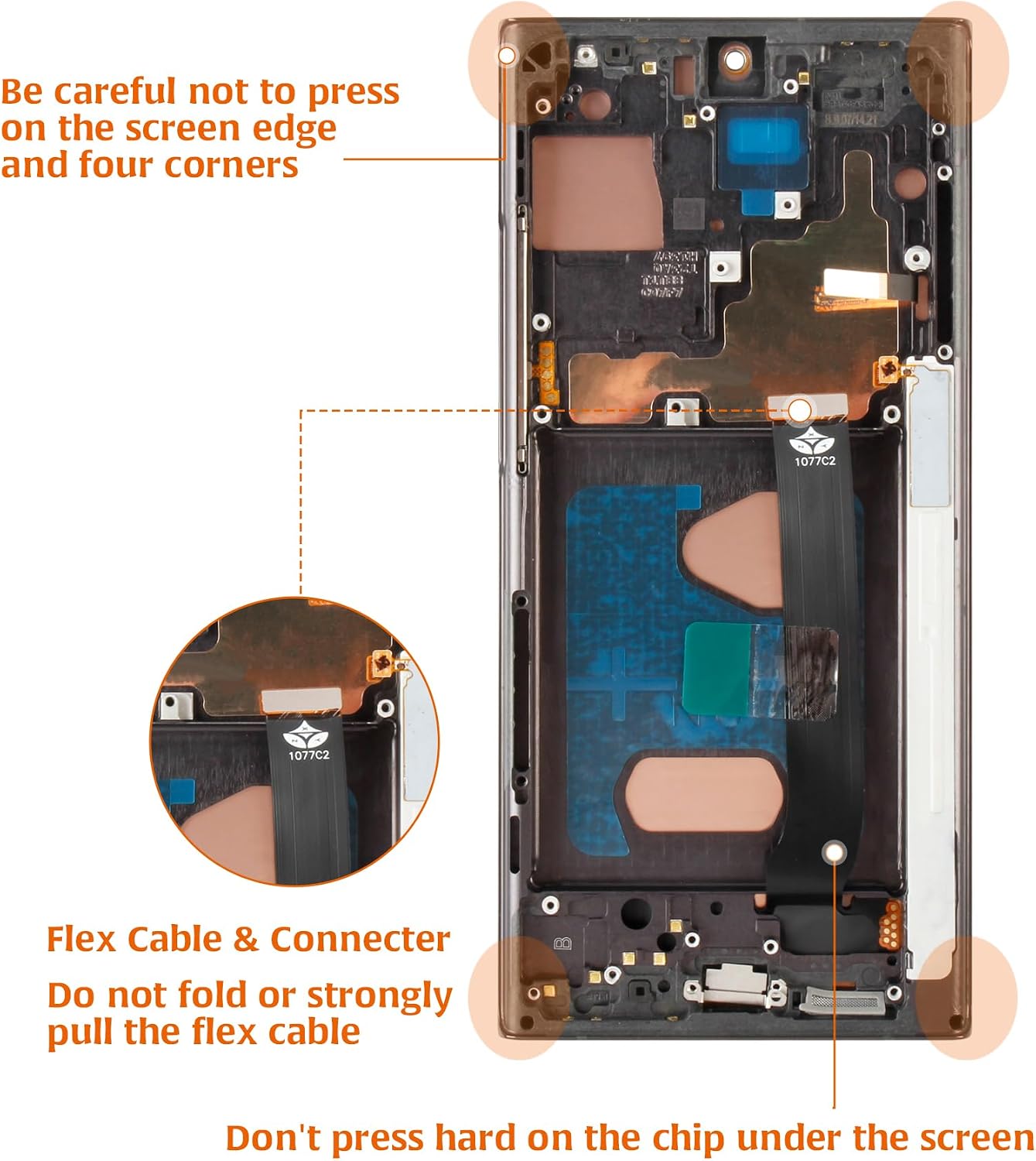
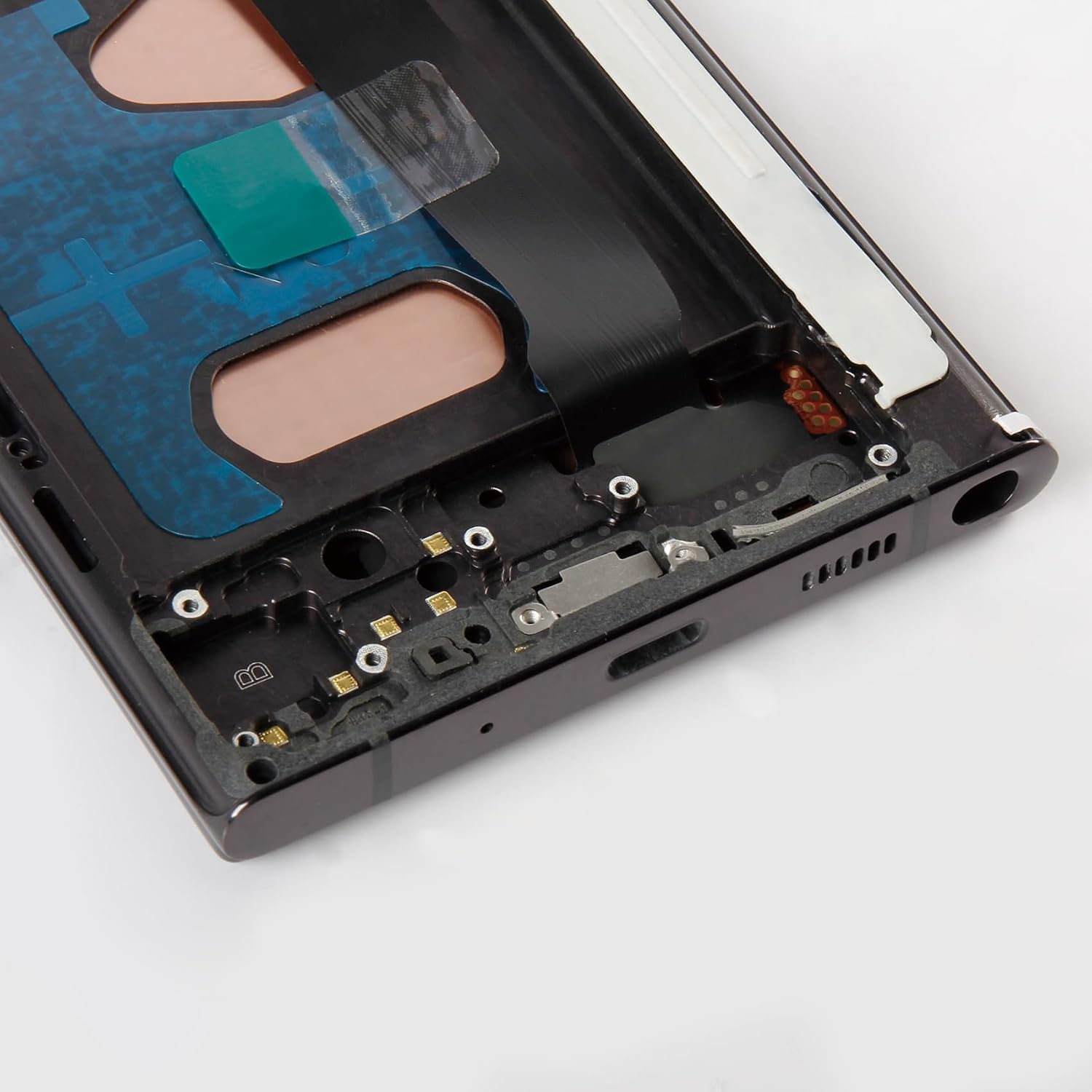
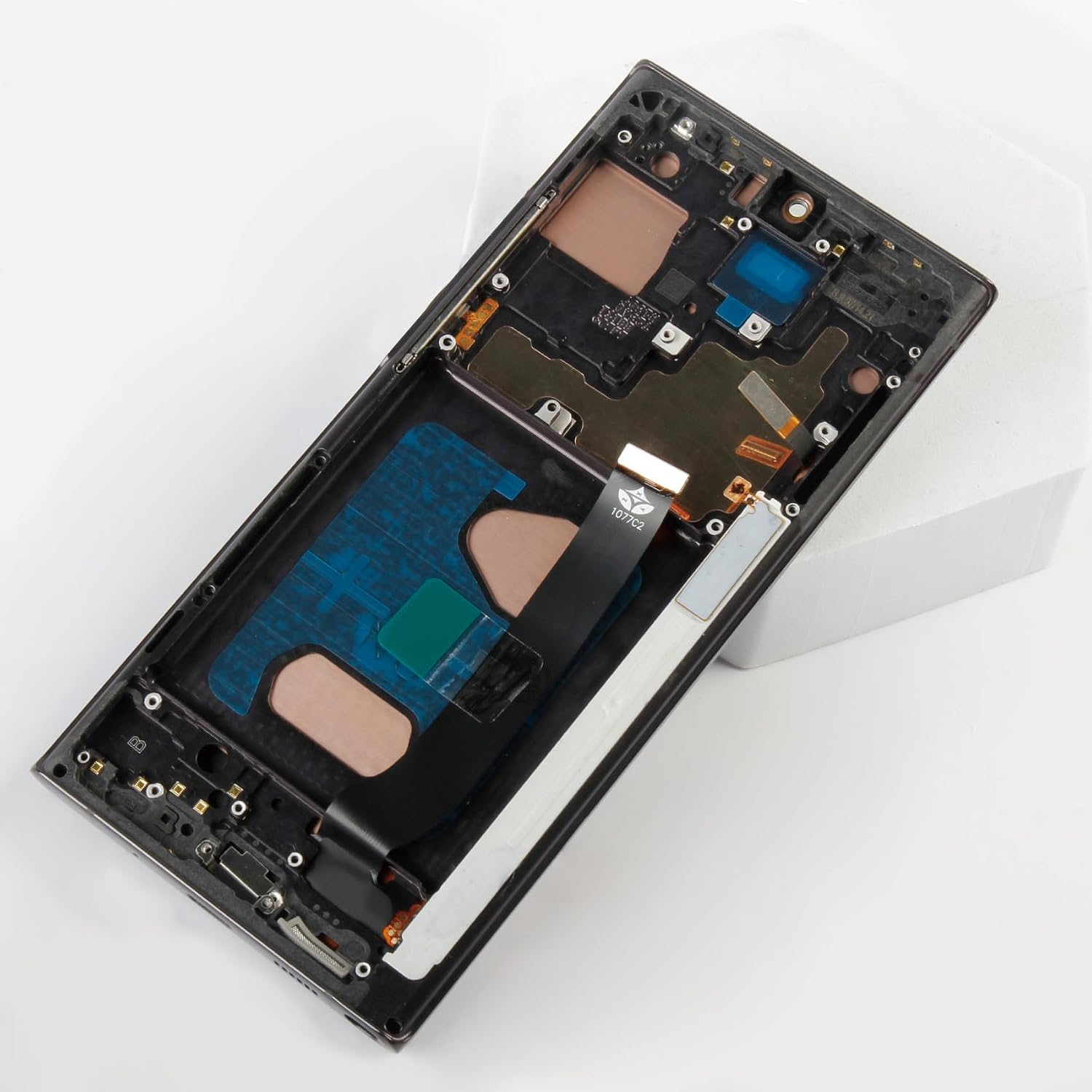
For Samsung Galaxy Note 20 Ultra incell Lcd Display Screen Replacement With Mystic Black Frame. 💥💥💬Note: Due to the non-original material, the display area of this screen will be smaller than the original one.This screen does not support fingerprint functionality.Mind please purchase with caution. 🔧 Updated Screen Design Specifications Our InCell LCD screen is a practical and economical alternative to original displays, with a robust frame slightly thicker than the original, which may affect compatibility with some ultra-slim cases. Its flat edges and slightly reduced display area differ from the original's curved edges, presenting a less seamless appearance. This characteristic is typical for non-OEM replacements and should be considered if a display closely mimicking the original is desired. If this is a concern, please consider your purchase carefully. Elevate your Samsung Galaxy Note 20 Ultra experience with Olivechard InCell Screen Replacement Kit. Designed for practicality, this kit offers a budget-friendly alternative to the original AMOLED display, ensuring compatibility and ease of installation. 💼 Color and Display Quality While striving to match the original's vibrancy, there may be variations in color saturation and screen dimensions. Our display ensures essential functionality with noticeable adjustments in screen layout and color dynamics for cost-effectiveness. 🛠️ Installation and Durability Installation is straightforward with the provided tools, and professional fitting is recommended to maximize the lifespan of the screen assembly. Users should be aware that the integration of the screen with the frame is crafted to balance cost and durability, which may affect the initial fit and finish. 📦 Package Contents: 1x Olivechard InCell LCD with Frame for Samsung Galaxy Note 20 Ultra 1x triangular pry tool, 1x screwdriver set, 1x flat-dual-ended pry bar, 1x twin-sided tape, 1x dust removal sticker ♦Friendly Reminder: 🔹Product does not include a manual. Kindly refer to installation tutorials on YouTube. 🔸Ensure to diagnose whether your phone's malfunction is due to the LCD or touch panel before making a purchase. 🔹Installation requires specific skills and tools.For personal use or non-professionals, please proceed with caution. It is advisable to seek professional service.We do not assume responsibility for any damage resulting from the installation. 🔸While our provided tools are versatile and compatible with most phones, we cannot guarantee compatibility with all models. 🔹Dealing with issues post-installation can be challenging; hence, please test the product upon receipt. 🔸Handle the LCD with care, as it is fragile. Inadvertent breakage may result in glass fragments that could cause injury. Take appropriate safety measures. 🛠🛠Simulation Test: 1️⃣During testing, do not remove any protective films or labels. 2️⃣Pay attention to static electricity issues. Ground yourself using an ESD (Electrostatic Discharge) wrist strap to prevent damage from static electricity. ⚠3️⃣After removing the old screen, the first step is to remove the flexible cable clamp between the battery and the device motherboard. Disconnect the power supply connecting the screen flex cable. After connecting the flex cable of the new screen, the final step is to install the flexible cable clamp of the battery. It is important not to reverse this sequence. 4️⃣Then, connect the charging cable, turn on the phone power, and check if the screen is working properly.5️⃣If abnormalities are observed, please contact us promptly with attached video or photos. Do not force installation. 📞📞💬Customer Support For installation difficulties or quality concerns, our customer support is on standby to assist. We are committed to your satisfaction and provide support throughout the replacement process.We offer a replacement policy for product damage not caused by user error. We do not accept responsibility for damages or malfunctions resulting from incorrect installation work. Kindly use the product at your own discretion. For broken, damaged, or missing items upon receipt, please capture photos and reach out to us. If you require further assistance, please email our service team. Q: Will this screen replacement fit all Samsung Galaxy Note 20 Ultra models? A: Yes, this screen is compatible with various Note 20 Ultra models including SM-N986B, SM-N986U, and SM-N986W. Please check your model number before purchasing. Q: Does the replacement screen come with a fingerprint sensor? A: No, this InCell screen replacement does not support fingerprint functionality. It is primarily for display and touch functions. Q: Can I install this screen by myself? A: While the replacement is feasible to do yourself, it requires careful handling and specific tools. We recommend professional installation or referring to detailed instructional videos if you are not experienced. Q: How does the display quality of the InCell screen compare to the original AMOLED display? A: The InCell LCD is a cost-effective alternative to the original AMOLED screen. However, it might not offer the same color vibrancy and depth as the original. The viewing experience will be slightly different due to changes in the display technology. Q: What should I do if the replacement screen is not working after installation? A: First, ensure all connections are secure and correctly aligned. If problems persist, contact customer service for troubleshooting advice or to arrange a replacement under warranty, provided the issue is not due to incorrect installation.
- 🎯 【Screen Compatibility & Design】💥Unlike the original AMOLED with curved edges, this screen has flat edges and a reduced display area. This display does not support fingerprint functionality. If you require original design features, please consider this before purchasing. 💥The Olivechard InCell LCD replacement is designed for Samsung Galaxy Note 20 Ultra models. The robust frame is slightly thicker than the original, which may impact compatibility with slim phone cases.
- 💎【Strict Quality Control】This InCell screen is compatible with Samsung Galaxy Note 20 Ultra models,including SM-N986B, SM-N986U, and SM-N986W. Please verify your phone's model before purchasing.All Olivechard products undergo rigorous quality inspections to ensure their condition.
- ⛳【Package Details】1x Olivechard InCell LCD Screen Replacement with Frame (Mystic Black) for Samsung Galaxy Note 20 Ultra,Includes tools such as a screwdriver set, pry bars, double-sided tape, and dust removal stickers.. 🔸Please test the screen upon receipt to address any issues before final installation. The protective films on both sides might show some marks, which can be removed once you've ensured the installation is successful and the screen is functioning properly.
- 🛠【Installation Advisory】No installation manual included.If you are experienced in maintenance and have the appropriate equipment,please look for installation tutorials on web. If not,We strongly recommend sending the device to a repair store,etc. for professional installation.Pls connect the flex cable to test for proper operation before installation. parts damaged during installation will not be accepted for return.
- 📞【Assurance】Every product undergo strict quality checks before shipment.If you encounter any issues, such as damaged items during transit, please contact us with supporting photos within 30 days for assistance. For any product usage or installation issues, our customer service team is always available to help you resolve your concerns.
| ASIN | B0GGRGBFWL |
|---|---|
| Color | +Mystic Black Frame Galaxy Note 20 Ultra incell |
| Item Weight | 5.3 ounces |
| Manufacturer | Olivechard |
| Whats in the box | 1x triangular pry tool, 1x screwdriver set, 1x flat-dual-ended pry bar, 1x twin-sided tape, 1x dust removal sticker, Samsung Galaxy Note 20 Ultra inCell lcd digitizer assembly with Frame |
| Item model number | Samsung Galaxy Note 20 Ultra N986B/U/W |
| Product Dimensions | 3.15 x 1.97 x 0.79 inches |
| Other display features | Wireless |





Bestseller ranking
White Christmas Ornaments
Customers who viewed this product also viewed
Sand Wedges


Correction of product information
If you notice any omissions or errors in the product information on this page, please use the correction request form below.
Correction Request Form